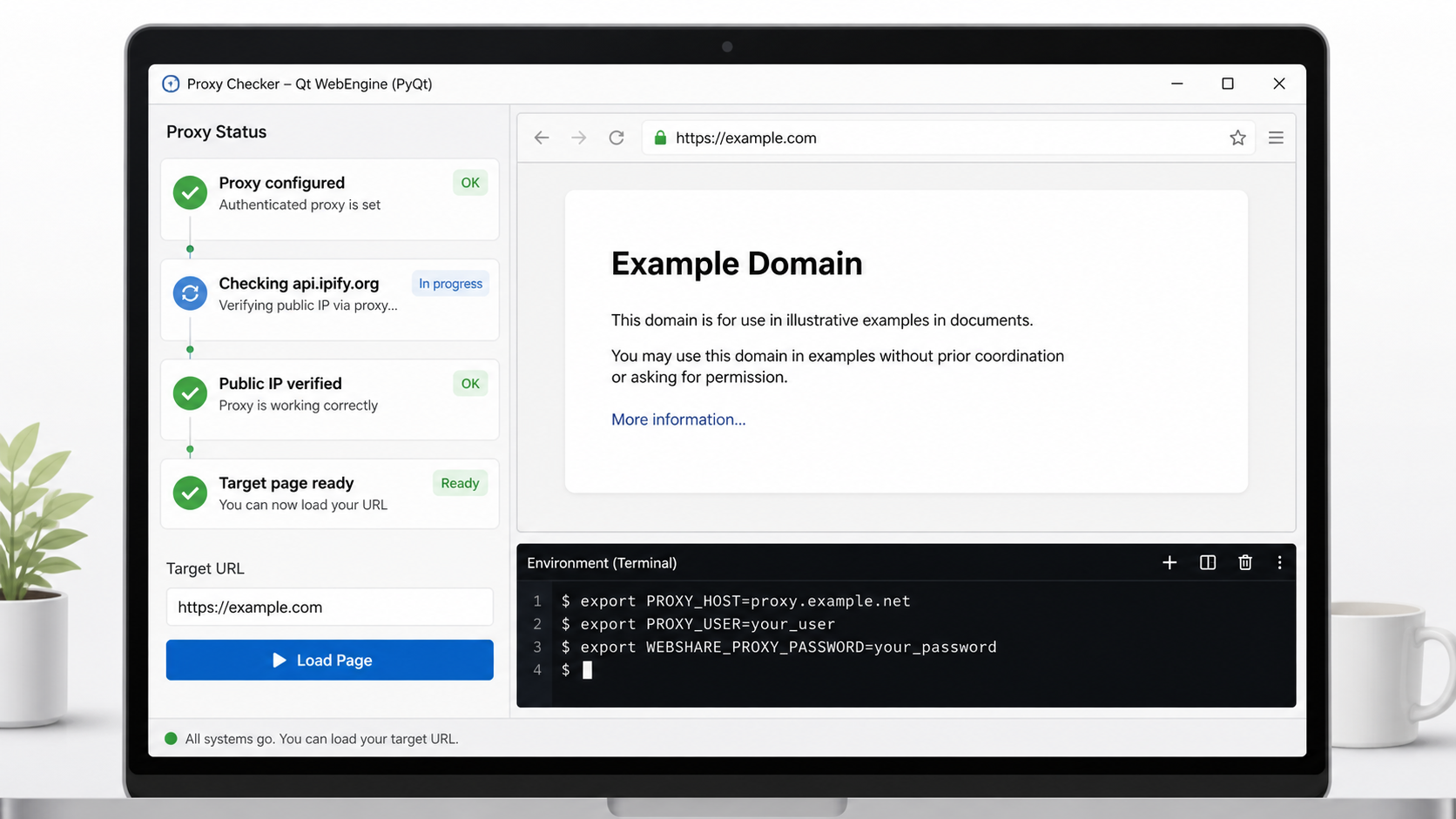
For PyQt5 / PyQt6 desktop app developers
Stop debugging silent QWebEngineView proxy failures.
Authenticated proxies break Qt WebEngine in one specific, non-obvious way: configure them after QApplication exists, or hand off credentials the normal Qt way, and pages just fail to load with no useful error. This $29 starter kit gets the init order, the WebEngine credential callback, and public-IP verification right the first time.
Fixes the exact init-order bug: proxy configured before
QApplication, before any WebEngine object exists.Credential callback wired to
proxyAuthenticationRequired — no logged or hardcoded passwords.Delivered instantly after Stripe confirms payment, with a self-service recovery path for paid download links.
Includes PyQt5 and PyQt6 examples, a
quadproxy doctor flow, troubleshooting docs, and redacted support bundles.Bring your own HTTP proxy account; the kit includes setup, diagnostics, and examples, not a proxy subscription.
One-time download: source package, examples, doctor diagnostics, troubleshooting docs, and 30-day support/refund path. Secure checkout is handled by Stripe. Already paid? Restore your download. Need the technical details first? Read the proxy-auth diagnosis or QNetworkProxy/WebEngine failure guide.